My DOOM Campaign: Dive into Hell

Dive into Hell is a DOOM campaign level with 20–40 minutes of single-player gameplay. It offers an original DOOM experience with a simple level flow that is mostly linear with a few small branches. The level moves through learning, practice and challenge, and it increases the difficulty and intensity of combat as the player’s skills improve, providing fun and keeping the player in a flow state.
Gameplay video
Contents
Level Flow and Overview
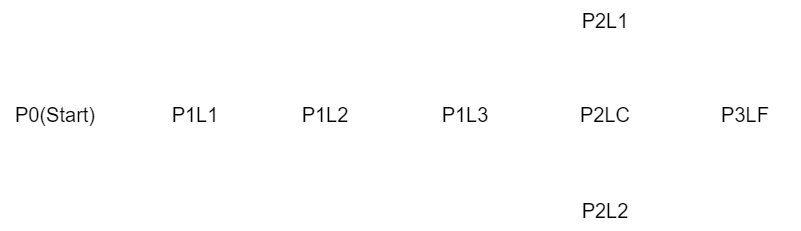
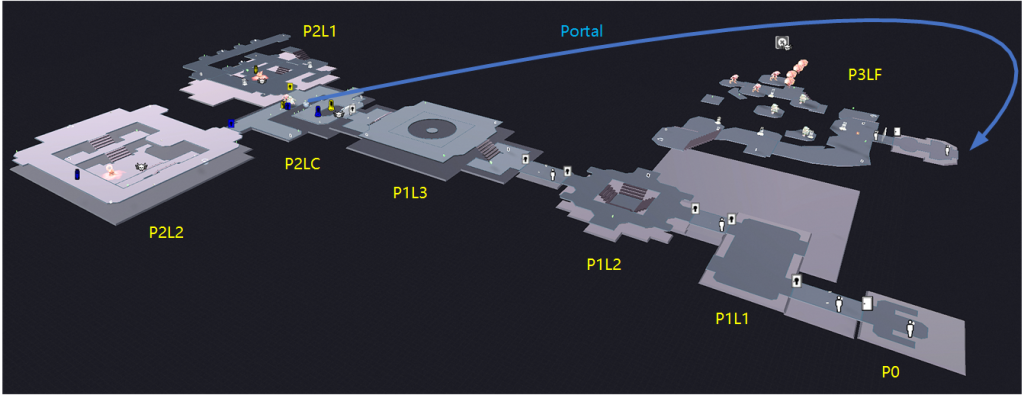
The whole level has three parts:
- Obtaining different weapons and learning how to use them against appropriate enemies.
- Practicing and mastering the use of multiple weapons simultaneously to fight mixed groups of enemies and learning how to use movement to take advantage in combat in larger spaces.
- Using the skills learned and practiced before to face the high-difficulty and high-intensity final challenge.
Part 1
When entering each sublevel, the player will get two new weapons, and they can use them to fight the right enemies in the right spaces.
Part 1, Level 1 (P1L1)
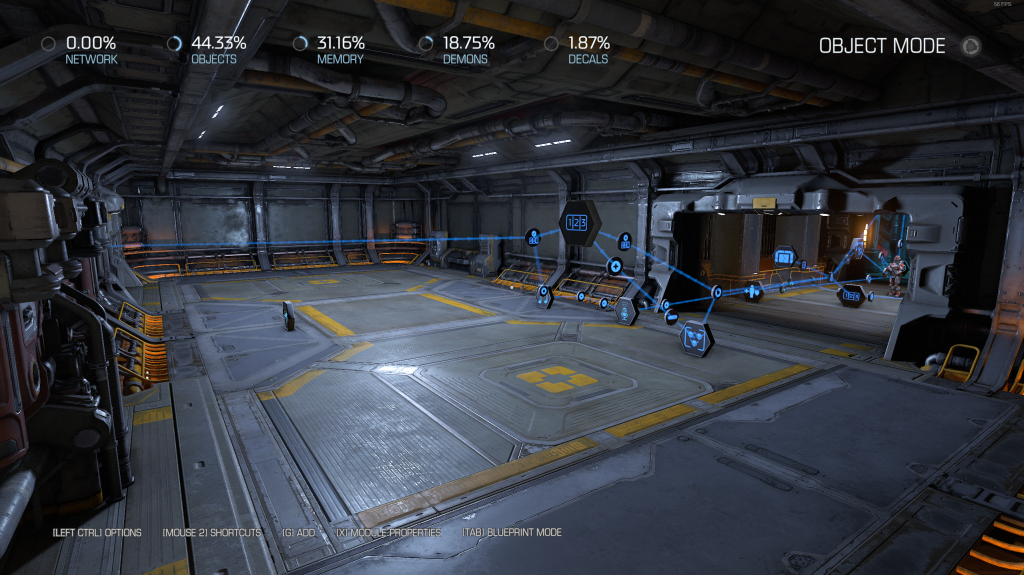
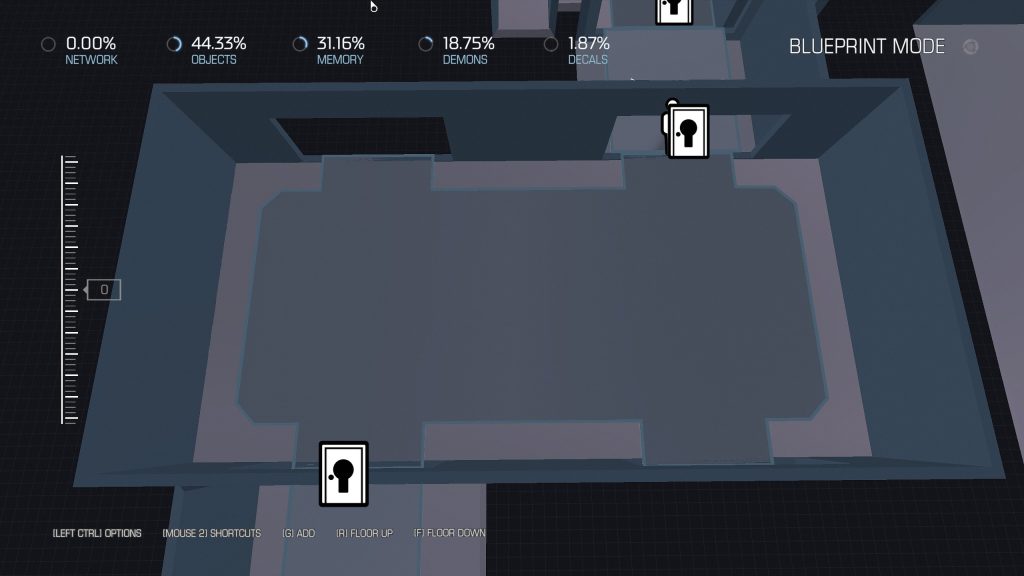
New weapons: Heavy Assault Rifle, Plasma Rifle
Layout: Simple rooms with small flat spaces allow players to easily shoot at low-threat enemies.
Combat: Three waves of five Possessed Workers with slow movement and low damage. The player can safely and easily take them down with rifles.
Part 1, Level 2 (P1L2)
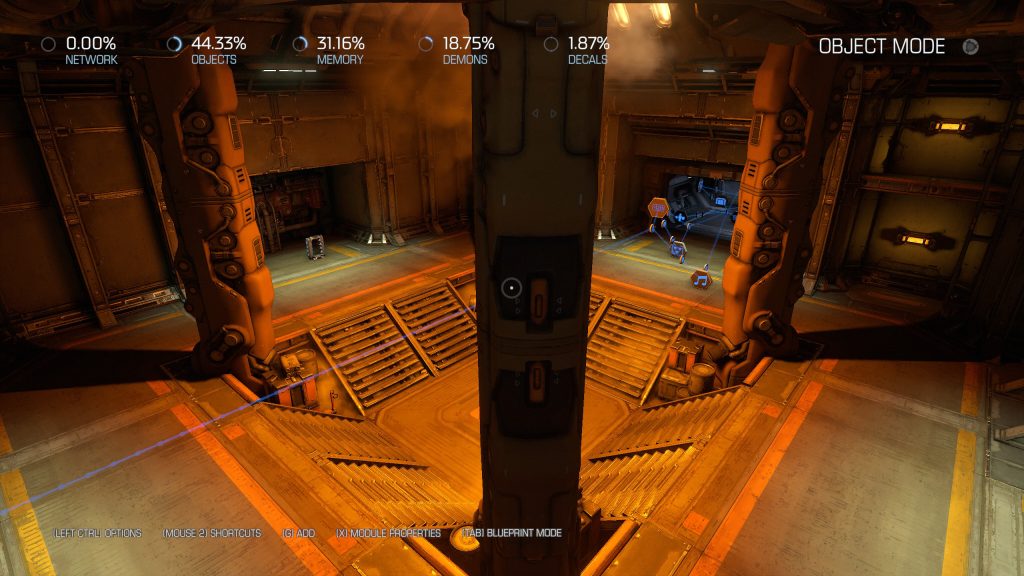
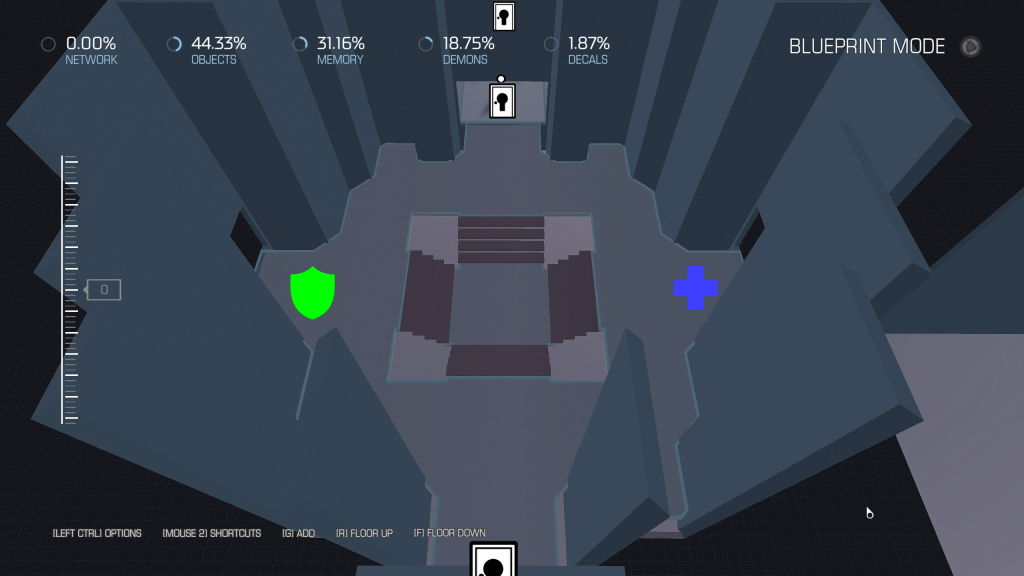
New weapons: Combat Shotgun, Super Shotgun
Layout: A simple single-level room with four pillars obstructing the player’s line of sight, giving highly mobile enemies with aggressive tendencies the opportunity to approach the player.
Combat: Two waves of one Hell Knight and three Imps. They are aggressive and have high mobility. Shotguns are the best weapons to take them down.
Part 1, Level 3 (P1L3)
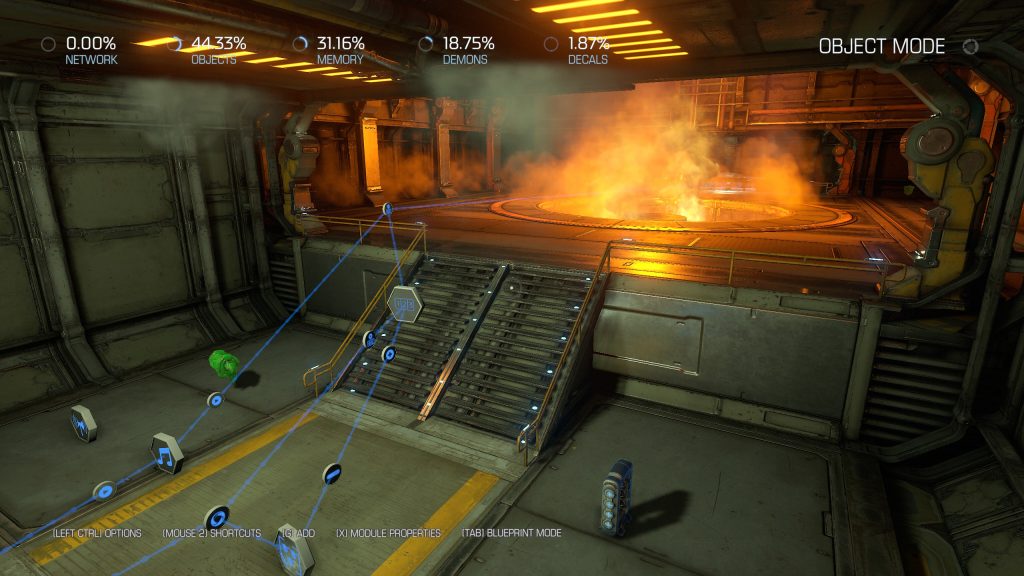
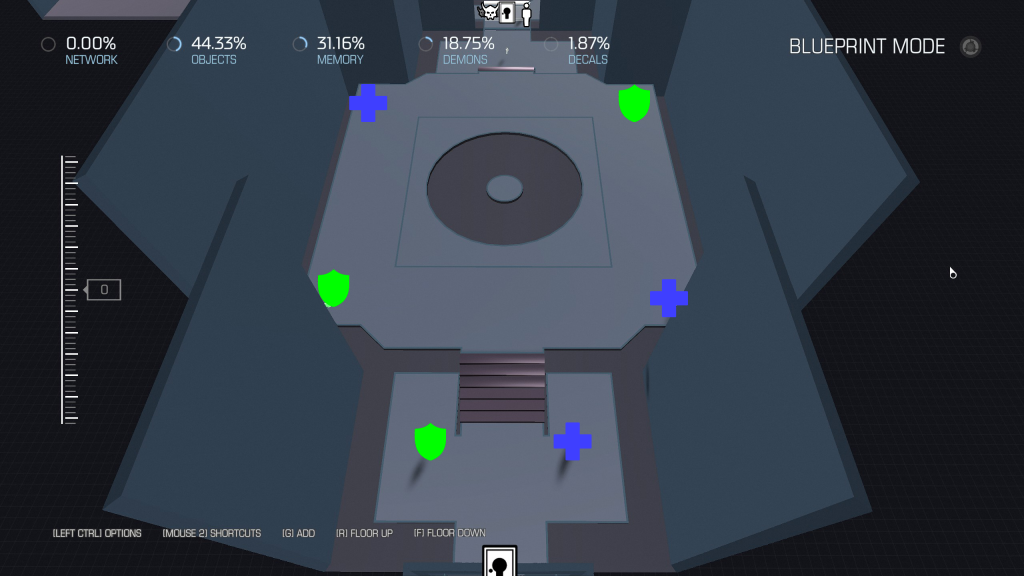
New weapons: Rocket Launcher, Gauss Cannon
Layout: A simple but relatively large space with no cover, but a hazardous area in the middle forces the player to engage in combat with enemies at a slightly longer distance.
Combat: Two waves of two Cacodemons, two Mancubuses, and two Revenants. Cacodemons and Revenants can fly, and Mancubuses are tanky and highly threatening at close range. The player needs to use long-range, high-damage weapons to deal with them.
Part 2
Let the player face multi-wave, mixed enemy challenges of moderate difficulty in spaces with different layouts, improving their movement and combat skills.
Part 2, Level Center (P2LC)
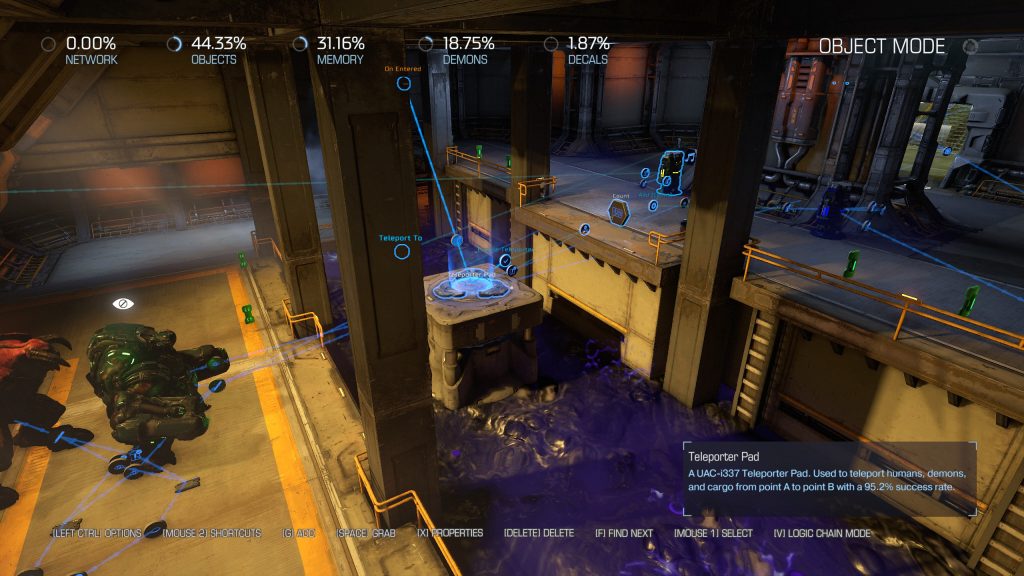
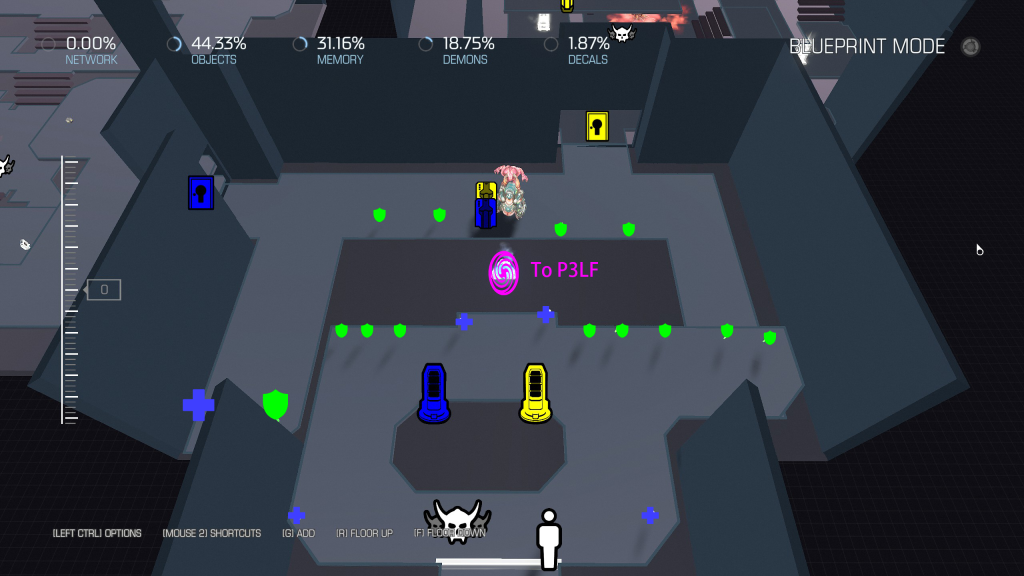
This level focuses on combat with a small number of mixed enemies in a compact space. This is also the central node of Part 2, where players can proceed to the final level of Part 3 through the portal here after completing the combats in Part 2 Level 1 and Part 2 Level 2.
Layout: The space is small but circuitous. The player needs to quickly reduce the number of enemies while constantly moving to survive.
Combat:
- First entering the level: three waves of low-difficulty mixed enemies.
- After three waves: one Cyber-Mancubus that drops the yellow keycard to Part 2 Level 1.
- After finishing combat of Part 2 Level 1 and picking up the yellow power core: one Baron of Hell that drops the yellow keycard to Part 2 Level 2.
Part 2, Level 1 (P2L1)
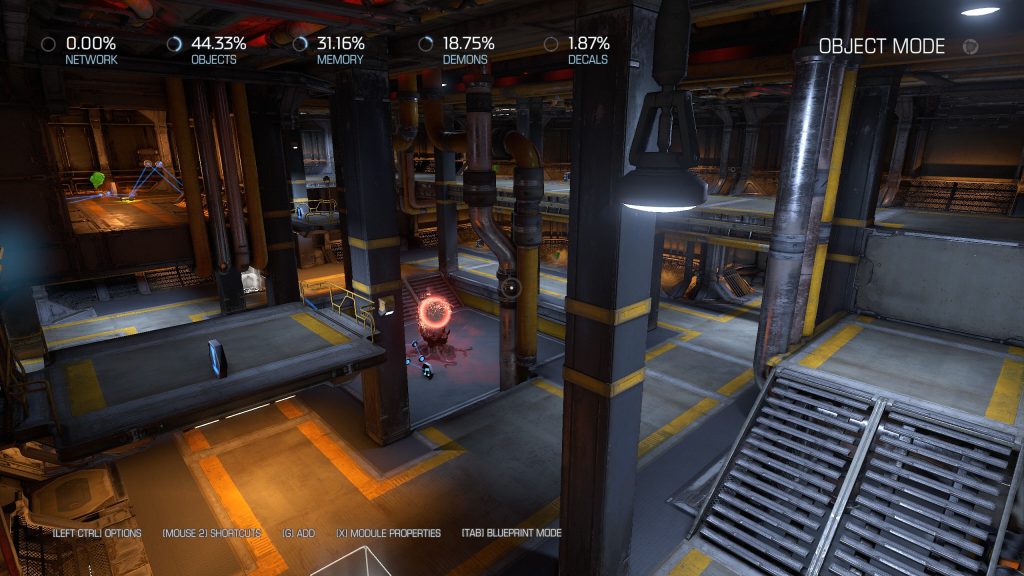
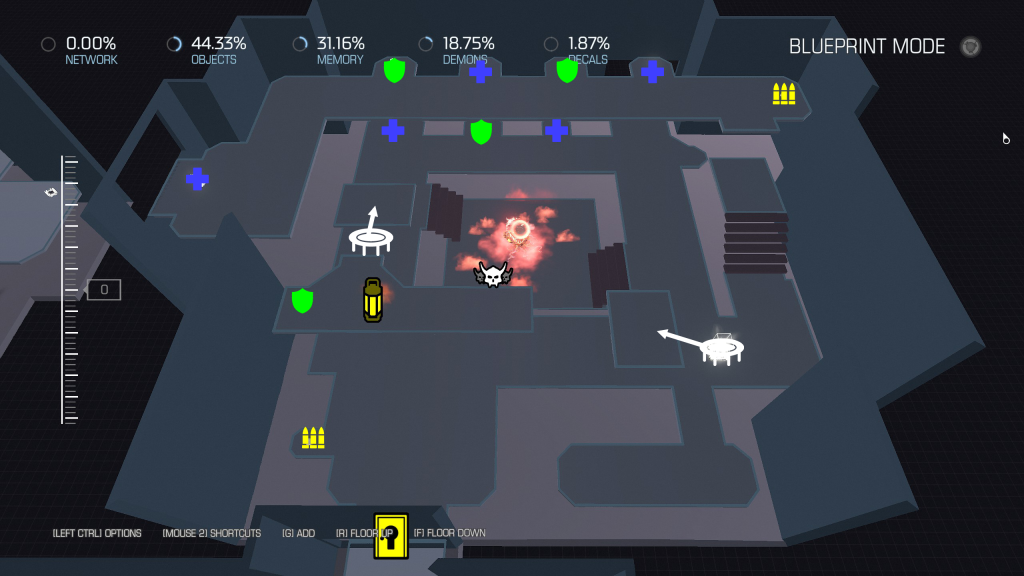
This level focuses on combat with a moderate number of mixed enemies in a medium-sized vertical space.
Layout: The map has a double-layered structure, with the second layer surrounding the entire space, allowing players to have a better view and safer positions to attack enemies. Two jump pads let the player reach the upper level quickly.
Combat: Three waves of mid-difficulty mixed enemies.
Part 2, Level 2 (P2L2)
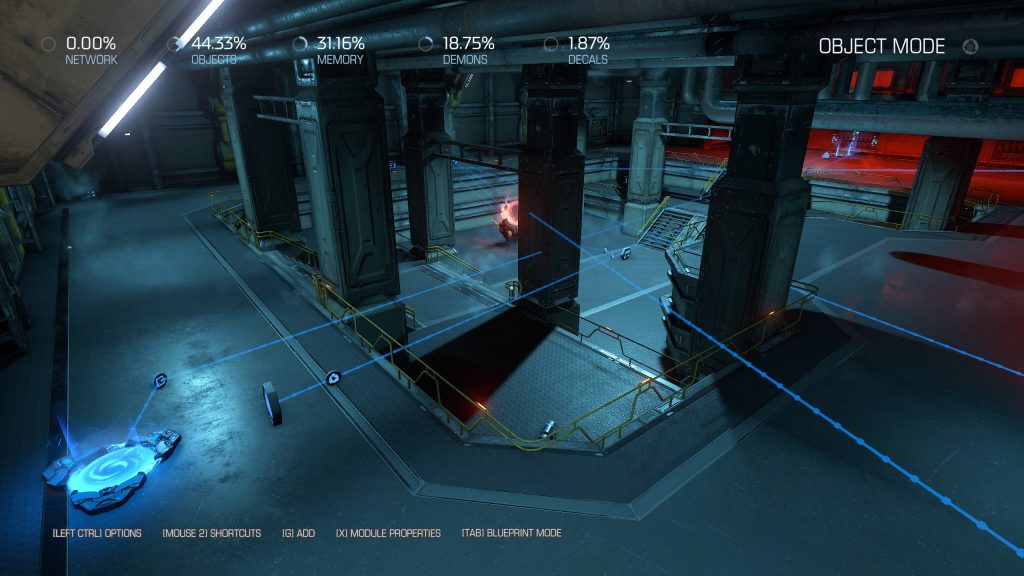
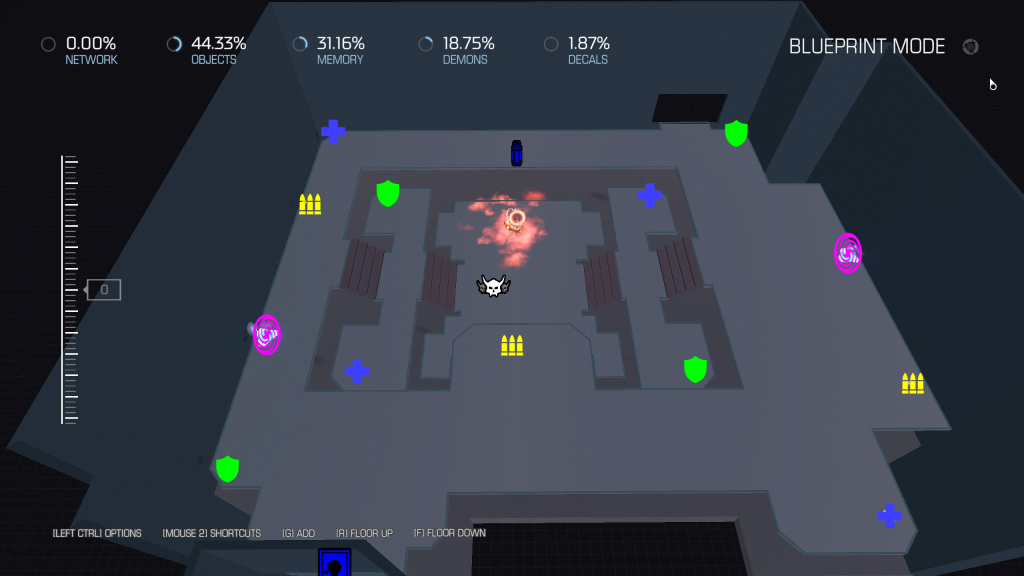
The wide space and larger number of enemies require players to be constantly vigilant of threats coming from all directions.
Layout: The area has a flat space and multiple circular paths. The player can use the fences to evade high-mobility enemies’ attacks or use the portal to reach the other side of the map quickly.
Combat: Three waves of large groups of mid-difficulty mixed enemies.
Part 3
The player must use the skills they have practiced before to complete the long and intense combat in a complex and massive scene.
Part 3, Level Final (P3LF)
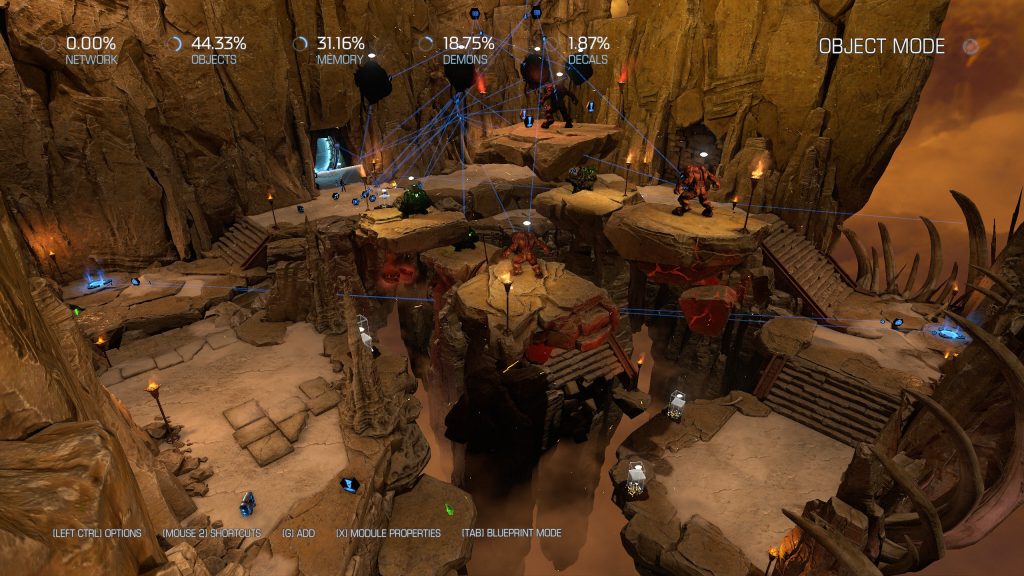
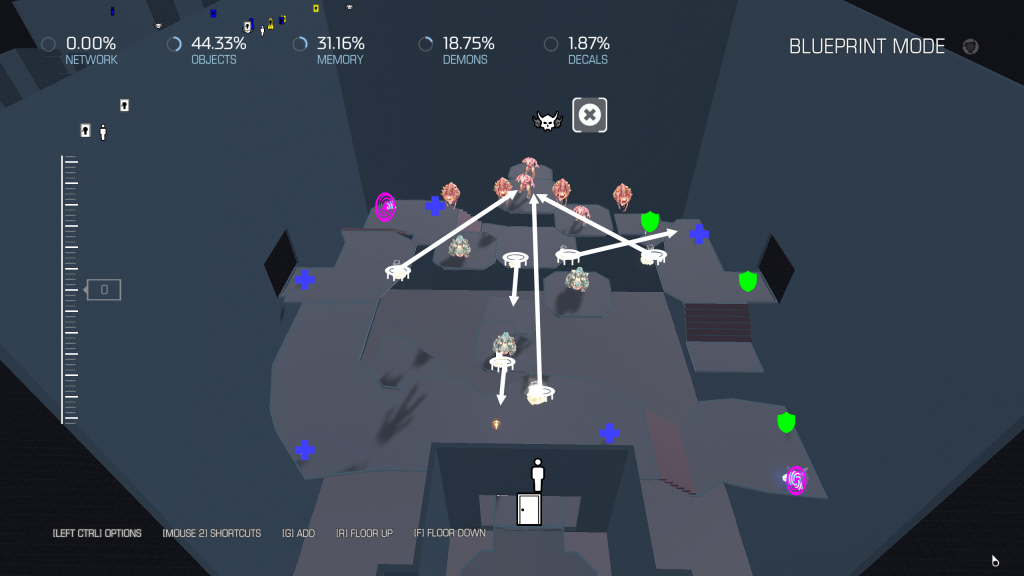
Layout: This level has a circular layout with multiple suspended platforms at a high point in the middle. There are several jump pads that can launch players onto those platforms. There are also two portals in opposite corners of the level that can teleport the player between them.
Combat: This battle has four stages, and in addition to the high intensity and large number of enemies, there will also be power-ups in each stage for the player to enhance his abilities. Additionally, players can use the BFG to gain an advantage.
| Stage | Power-up | Enemies |
|---|---|---|
| 1 | Regeneration | Four Cacodemons + endless mixed easy enemies |
| 2 | Quad Damage | Three Cyber-Mancubuses + endless mixed medium enemies |
| 3 | Berserk | Three Barons + endless mixed hard enemies |
| 4 | Haste (respawns every 30 seconds) | Three waves of mixed hard enemies |
How to find it and play
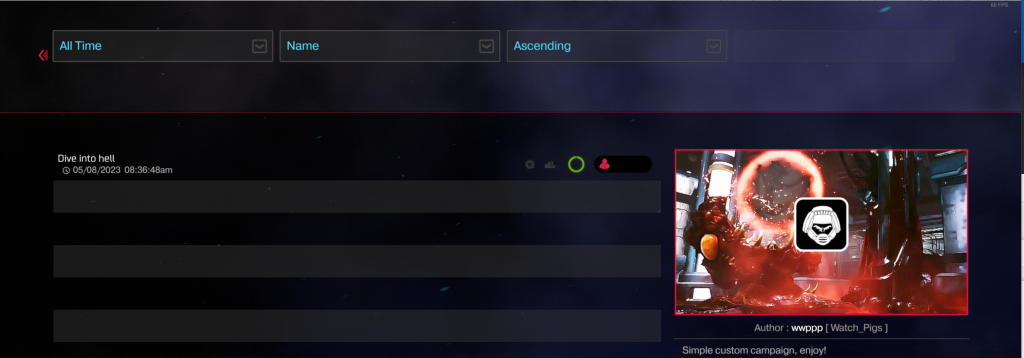
1. Launch DOOM 2016, click SnapMap
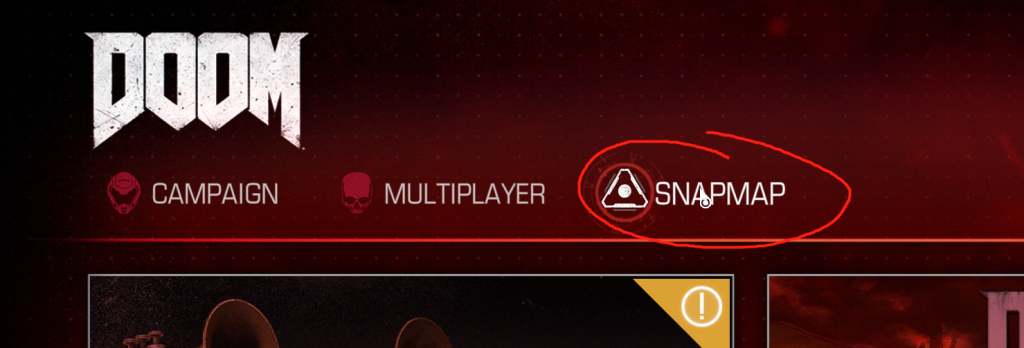
2. Click on the search icon in the upper right corner

3. Search “dive into hell”
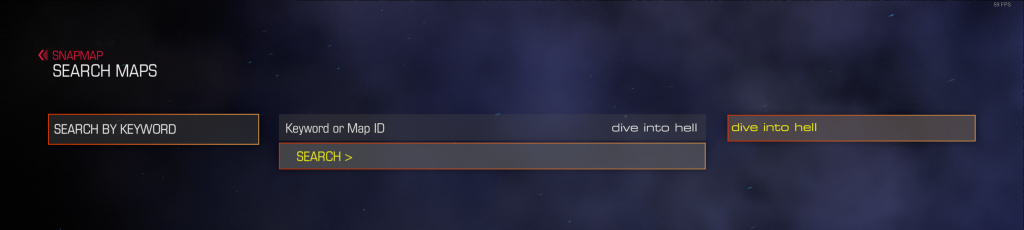
4. Select this one and play